The official GRADO website (www.gradocontract.com) is your primary gateway to our products, services, and latest updates. This guide is designed to help you navigate the site with ease—whether you’re visiting for the first time or returning.
I. How to Register
Become a G-GRADO user to enjoy exclusive services and features:
1. Click the top right of the page
2. Fill in your basic information and verify your email address
3. Complete your personal or company profile (optional)
Note: International users should register with an email address, while users in China may register with a mobile number. Please follow the options shown on the registration page.
Registration Benefits
· Early access to new product updates
· Full access to downloadable materials
· A personalized download list
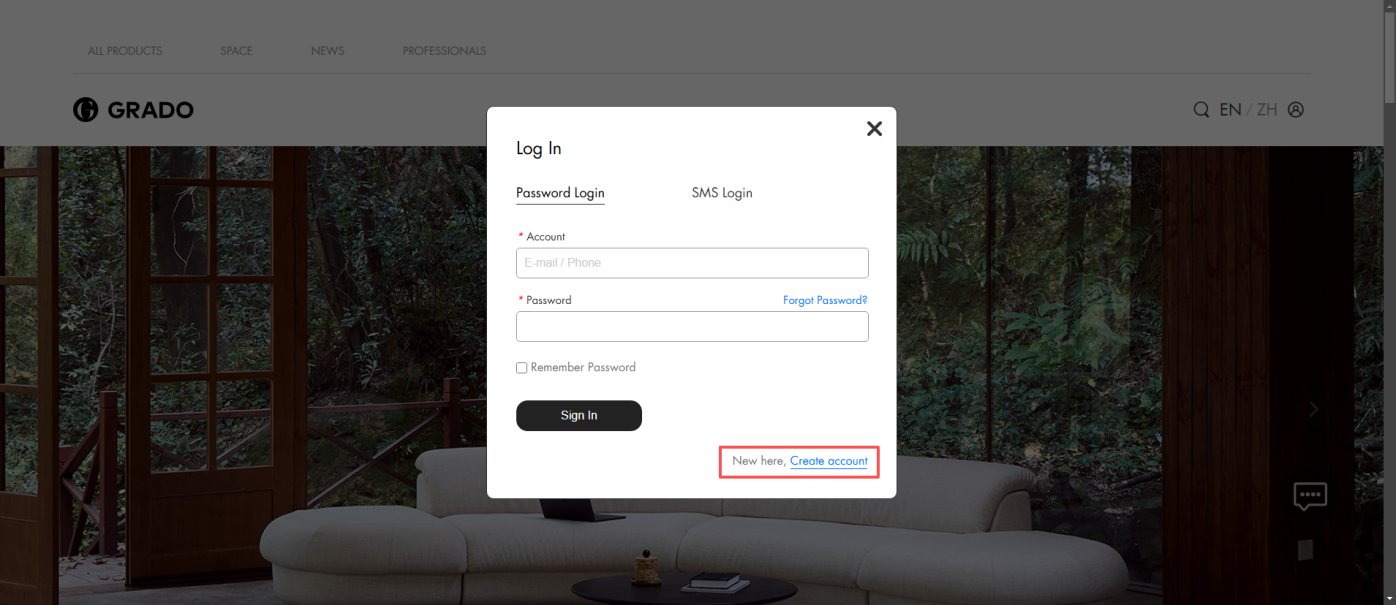
Click the profile icon in the top-right corner, then select Create Account at the bottom right. Fill in your contact details, verification code, email address, name, password, region, and career.
II. Website Navigation Guide
(1)、The G-GRADO website is organized with a clear, intuitive navigation system, including the following key sections:
· Home: Showcases brand identity, featured products, and the latest updates.
· All Products: A complete overview of all product lines, organized by category.
· Six Spaces: Presents G-GRADO’s latest products, styling inspiration, and project cases through a combination of products, applications, and spatial concepts.
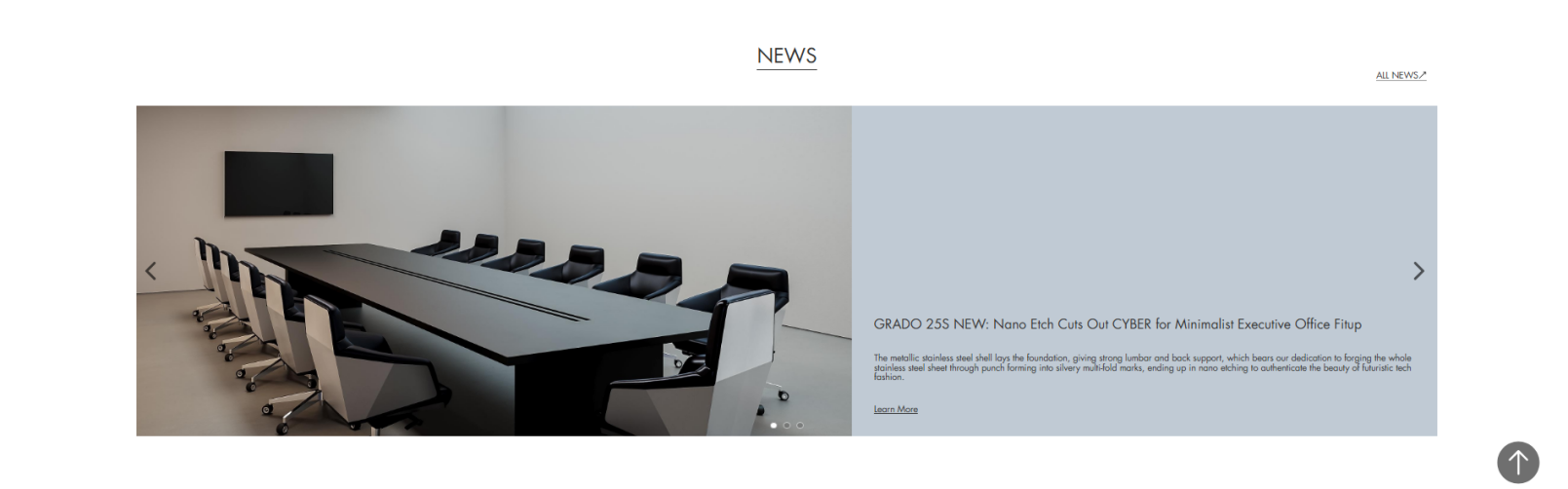
· News: Updates on brand activities and announcements.
· Downloads: A resource hub for designers, offering product models, white-background product combinations, and space styling references to support efficient design workflows. Brand materials such as fabric swatches and brochures are also available for a quick overview of G-GRADO.
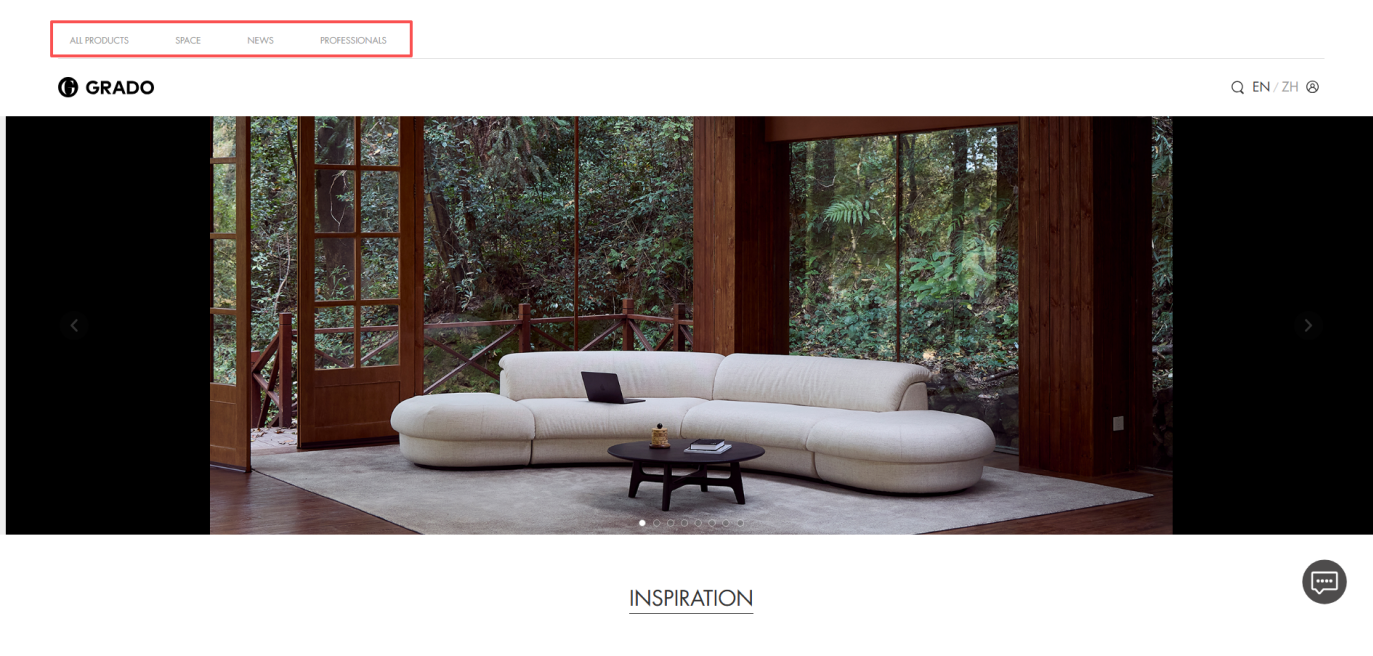
(2)、The main navigation menu at the top of the website allows users to switch between sections at any time
The Home page features five key content areas, including:
· Seasonal New Product Video: A visual introduction to each season’s new releases, offering an immediate sense of the brand’s design direction.
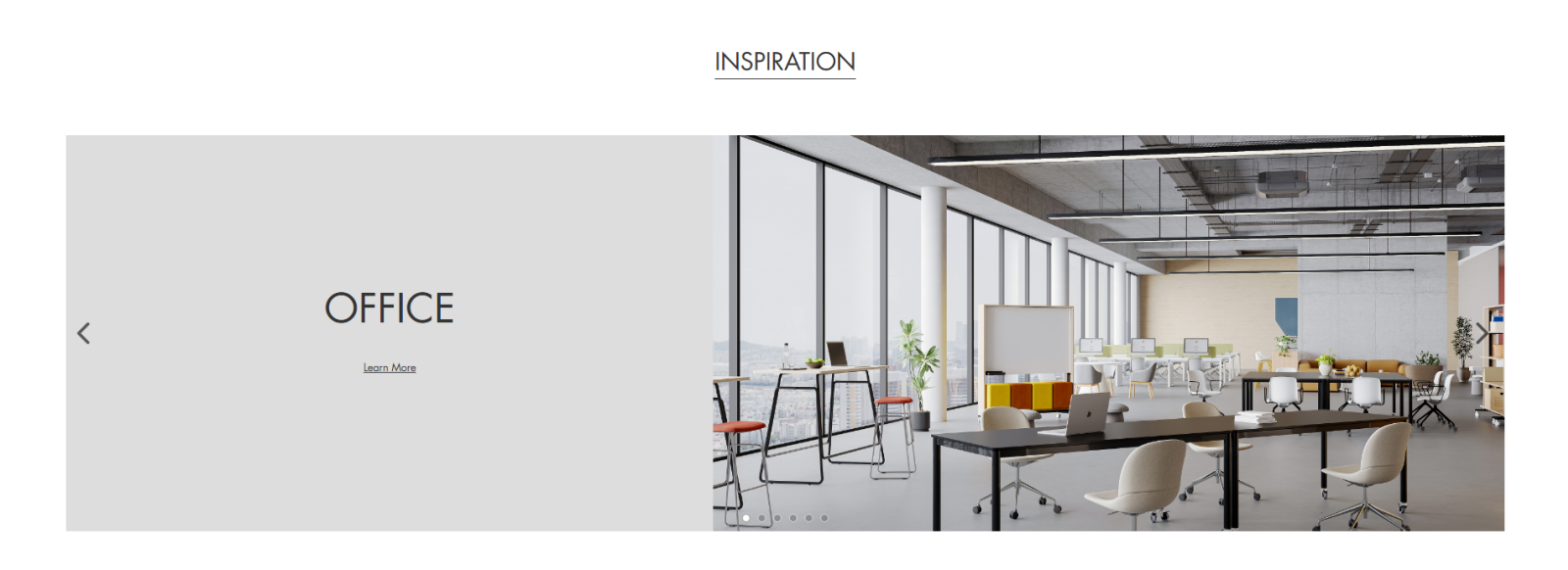
· Inspiration: Direct access to the Spaces section, where visitors can explore project cases and spatial applications for deeper inspiration.

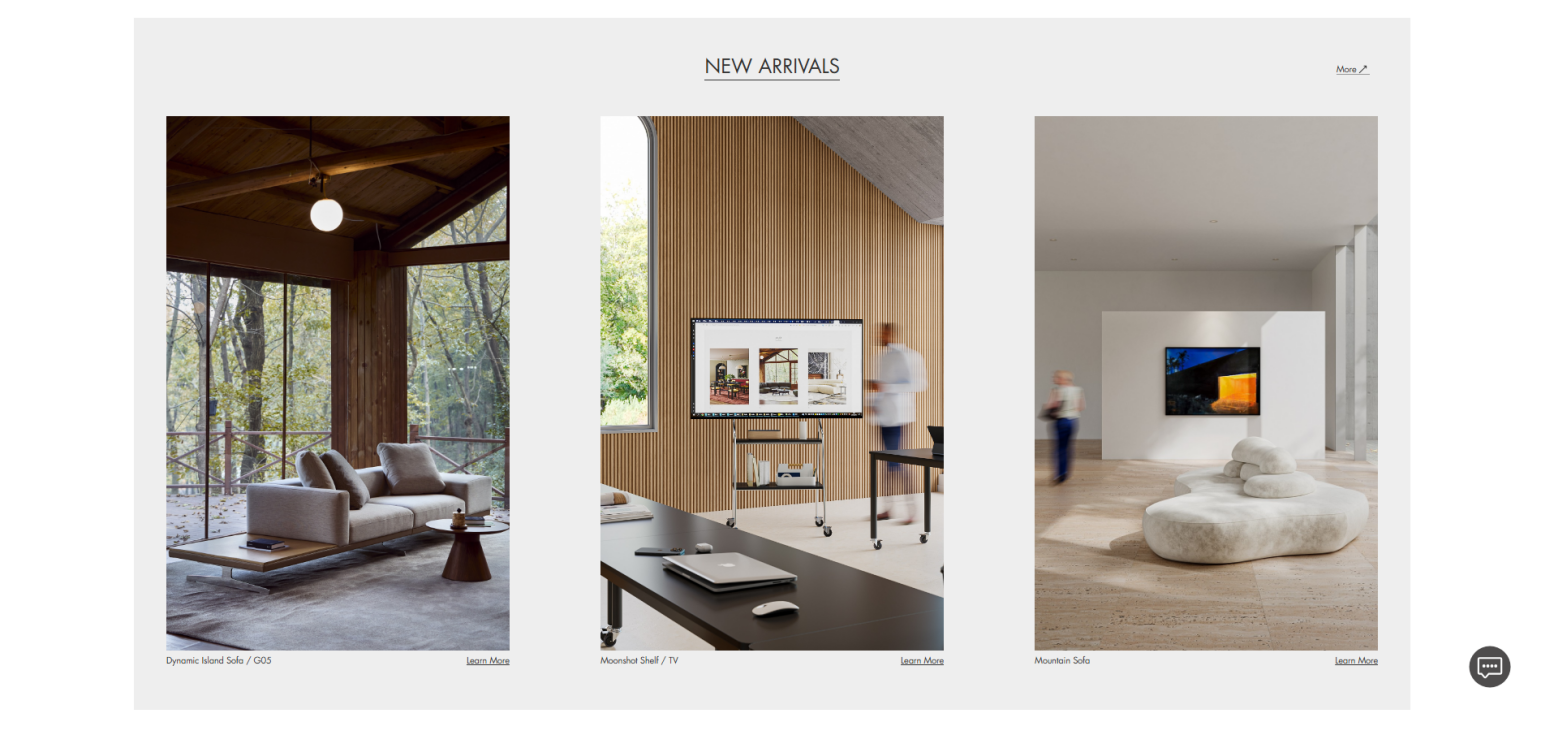
· New Arrivals: Each season’s featured products, with direct access to the full product list.
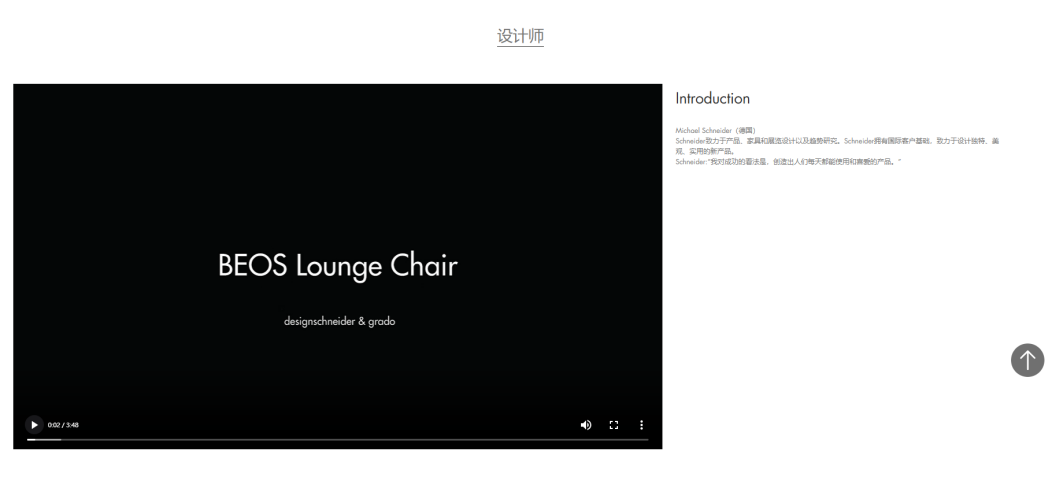
· Designers: Designer interview videos; click the title to explore individual designer pages.
· News: The latest brand updates and announcements.
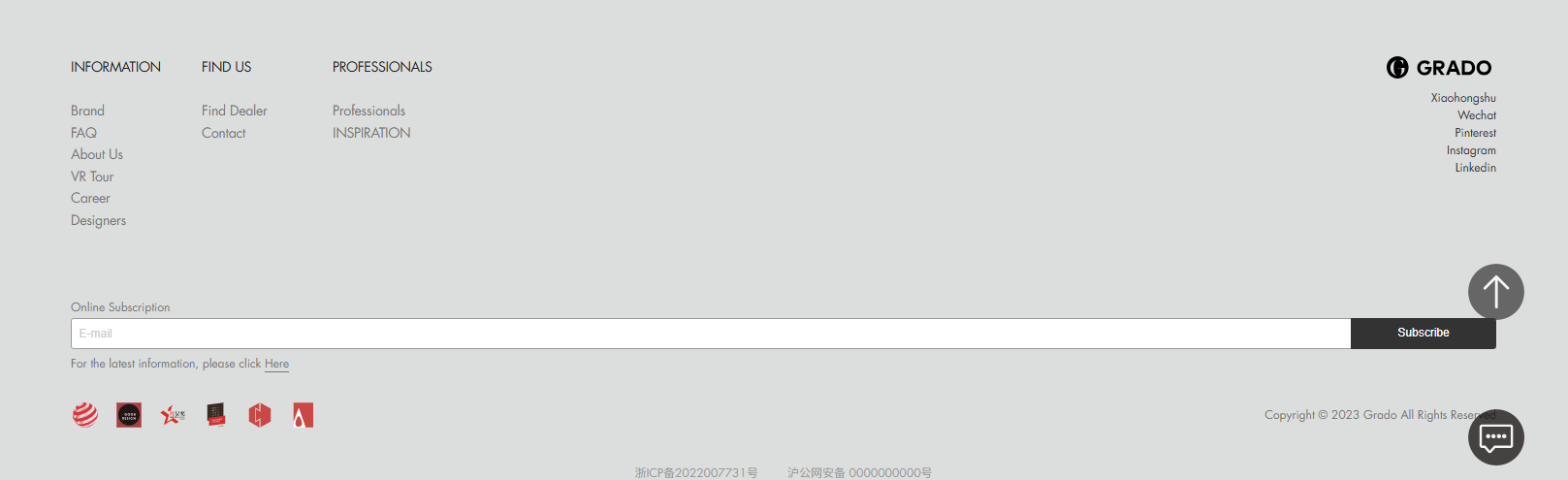
(3)、The footer provides fast access to key pages, including:
· Brand: Introduction to GRADO and its sub-brands
· FAQ: Answers to common questions on customization, logistics, warehousing, and maintenance
· FIND US (Contact G-GRADO)
· PROFESSIONALS (Download Center)
· G-GRADO Social Media Channels
· Enter your email and subscribe to receive the latest brand news and updates.
III. Product Browsing & Search
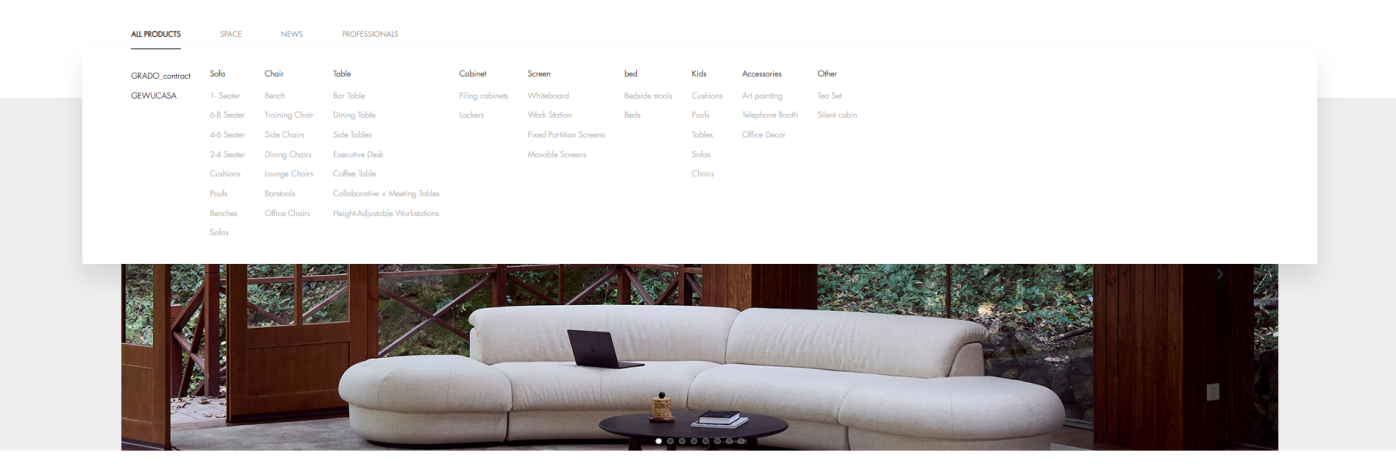
(1)、In the ALL PRODUCTS section, G-GRADO offers easy ways to browse and find items:
· Browse by Category: Products are organized by type. Click any category to view all related products.
· Search Bar: Located at the top of the page—enter keywords to quickly find specific products.
(2)、Each product page provides detailed information, accessible via tabs:
· Detail: Product specifications, dimensions, materials, weight, and other technical details.
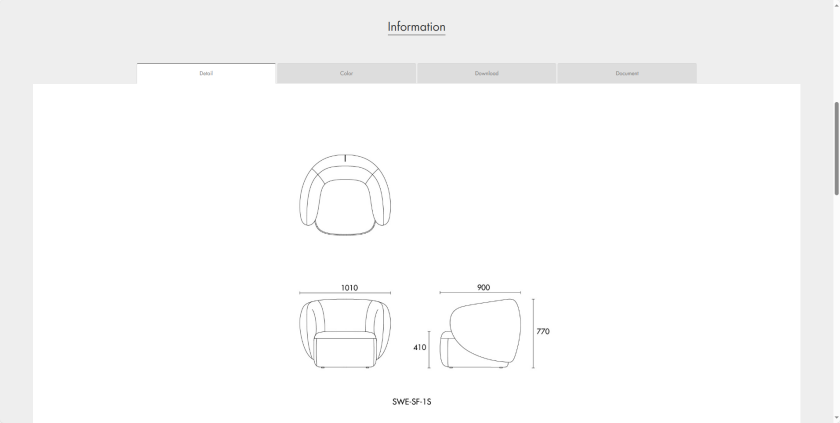

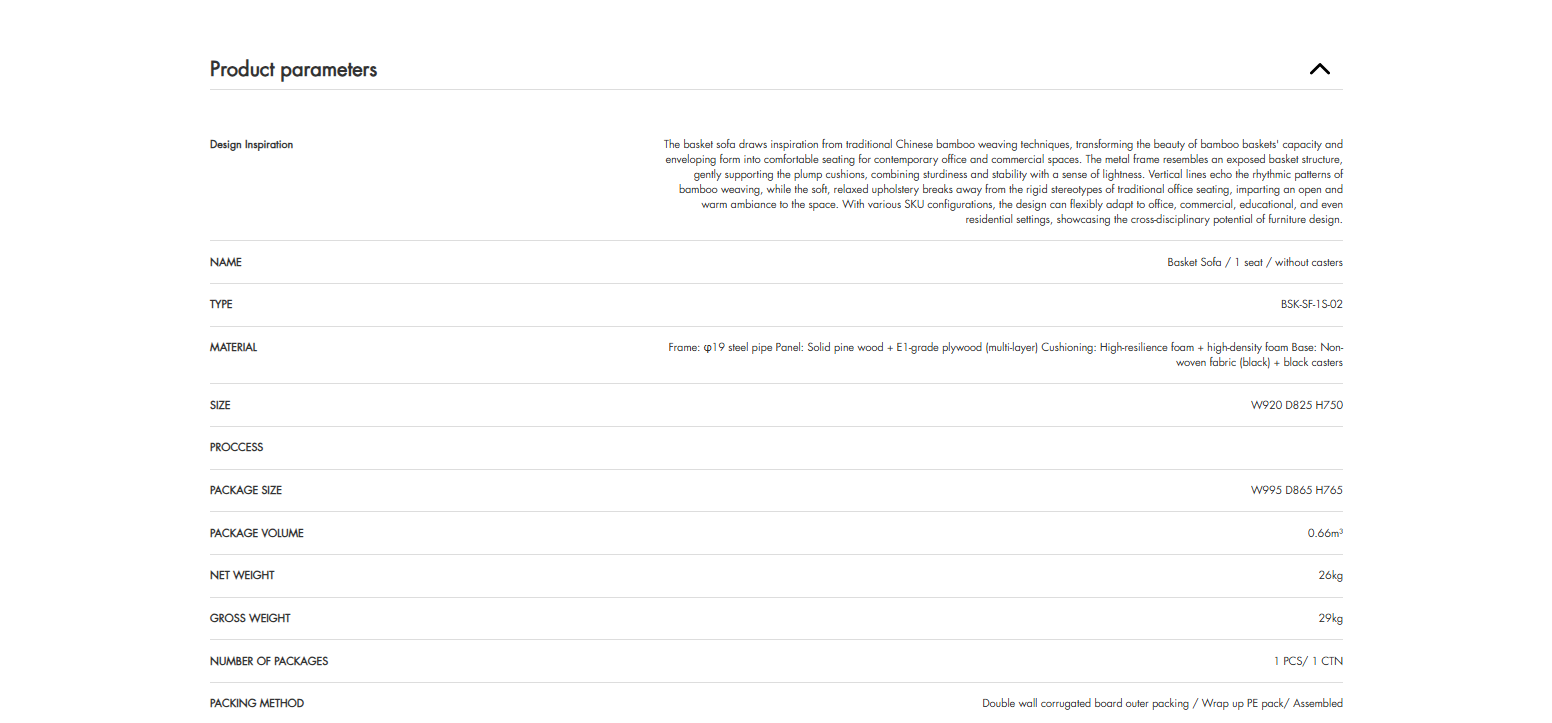
View Product Size
Downloaded drawings follow the same format for preview without CAD application

View detailed specifications for individual SKUs
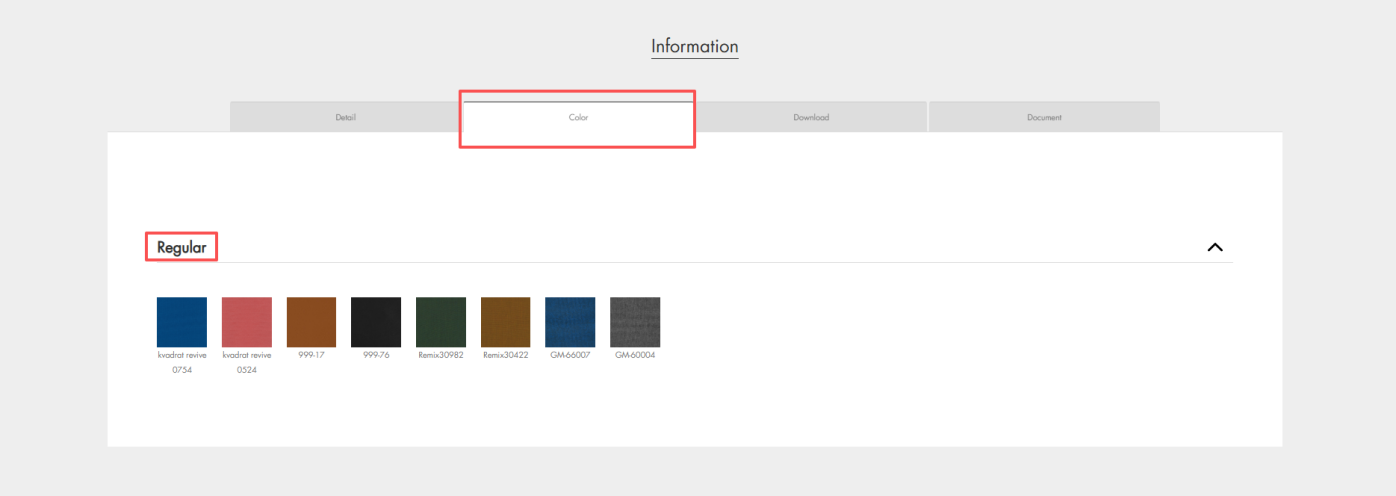
· Color: Showcases the recommended fabric and color options for the product.

· Download: Provides high-resolution product images, space renderings, and downloadable model files.
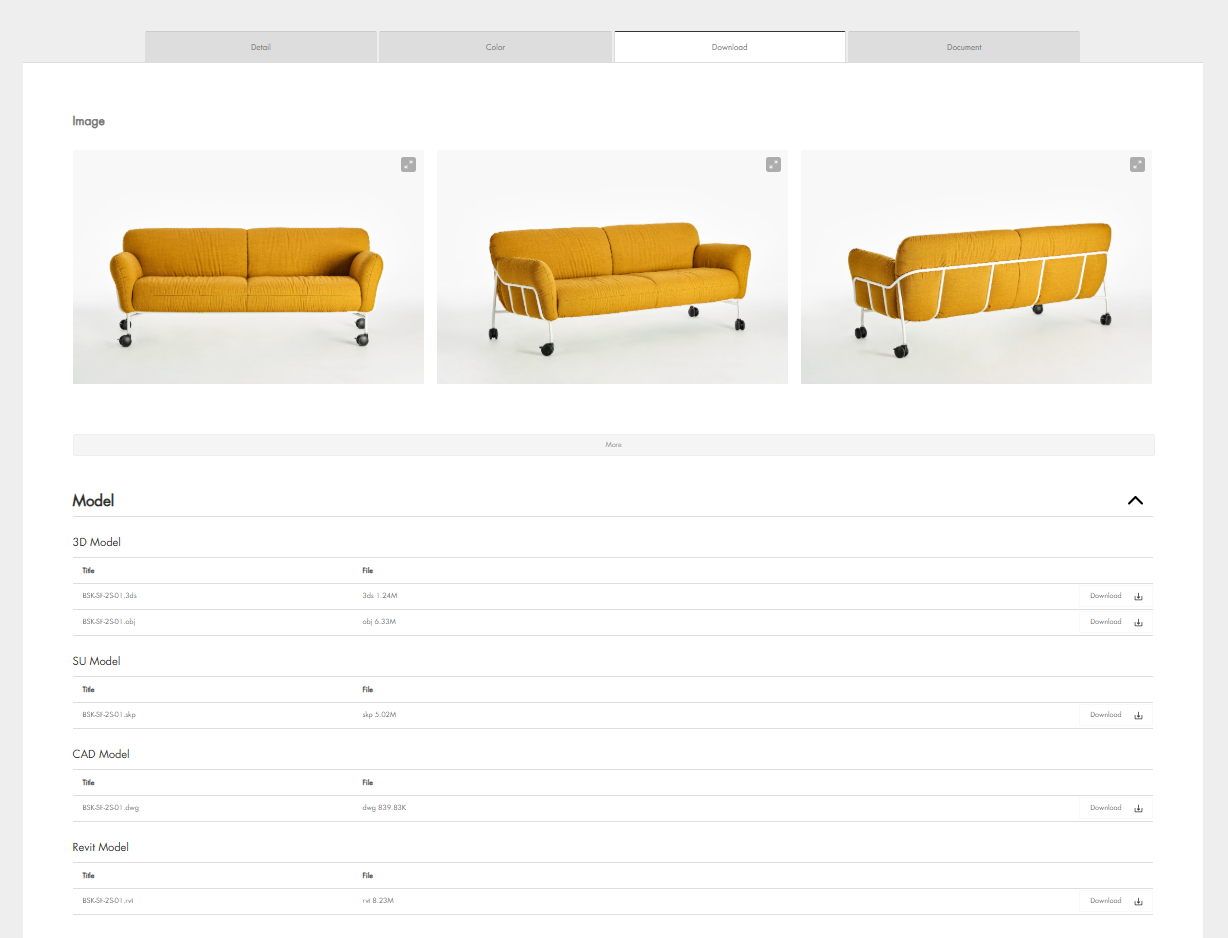
Click the zoom-in icon on image to view high-resolution product images
Click the download icon below to download product model files
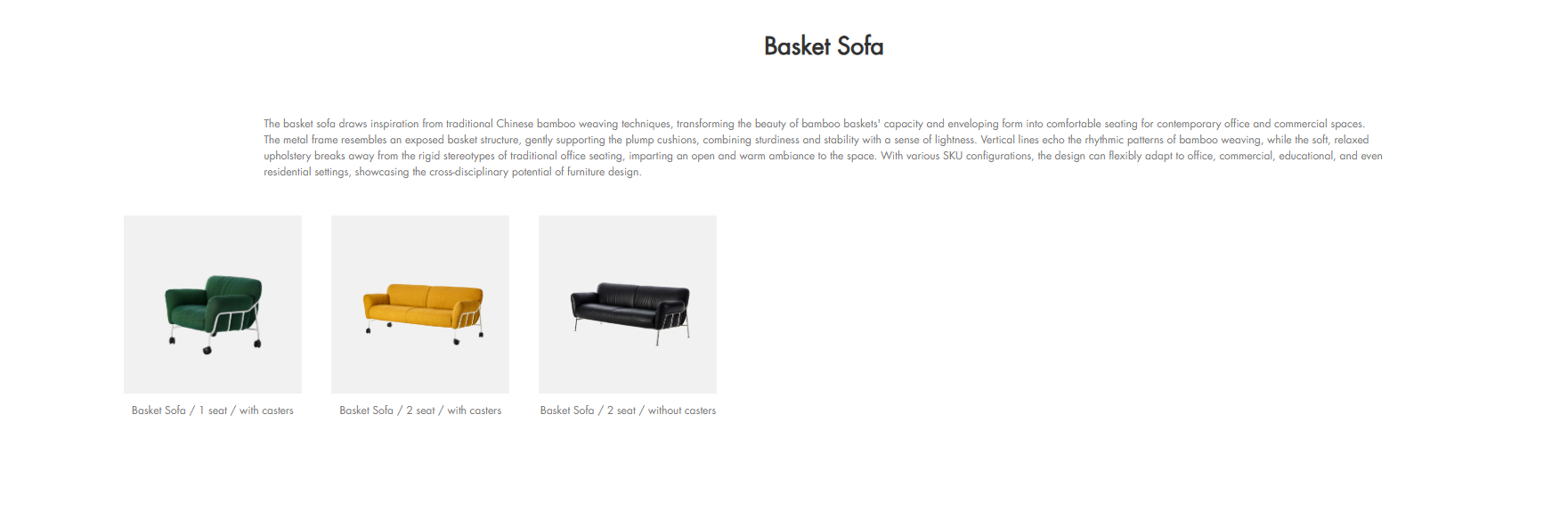
(3)、Other variants of the same product series are displayed at the bottom.
IV. Space Categories & Browsing
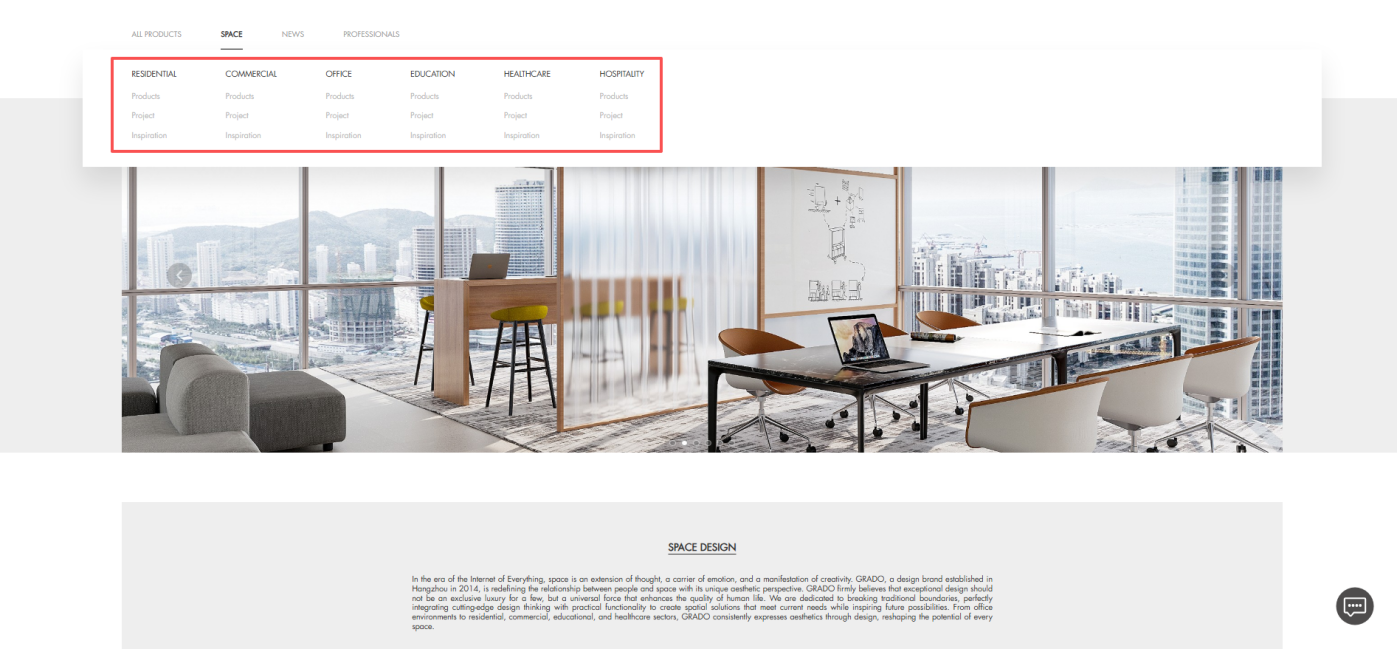
G-GRADO’s Spaces section showcases projects, products, and news across six types: residential, office, commercial, education, healthcare, and hospitality, offering a visual guide to space planning.
Users can navigate via the top menu or sidebar, with subcategories allowing precise browsing of specific space needs.
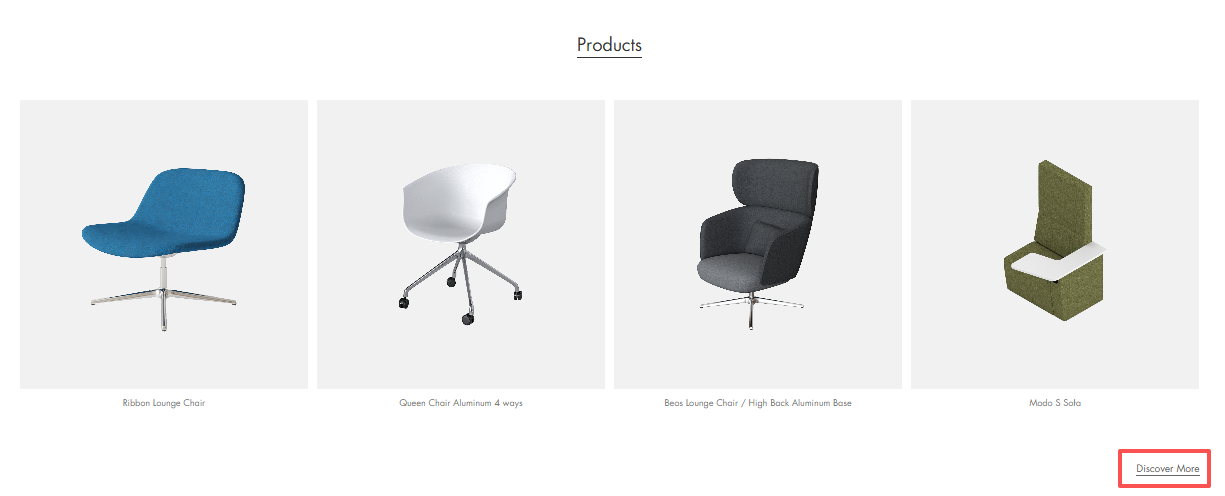
Click a specific space to browse suitable products accordingly
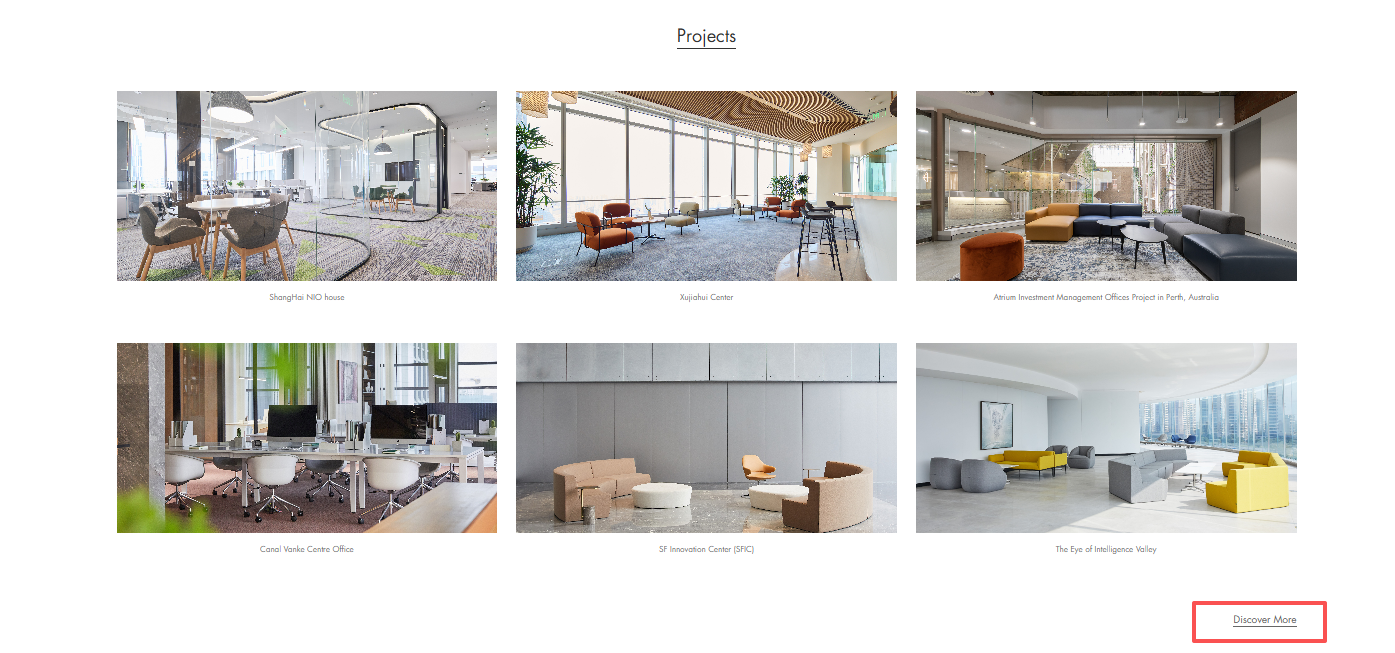
Browse project cases of each space
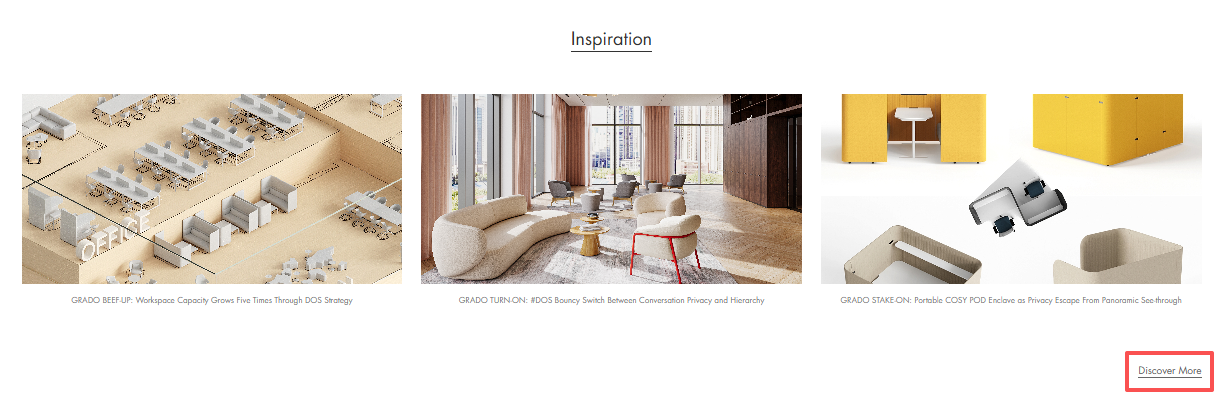
Browse news and inspiration of each space
V. NEWS
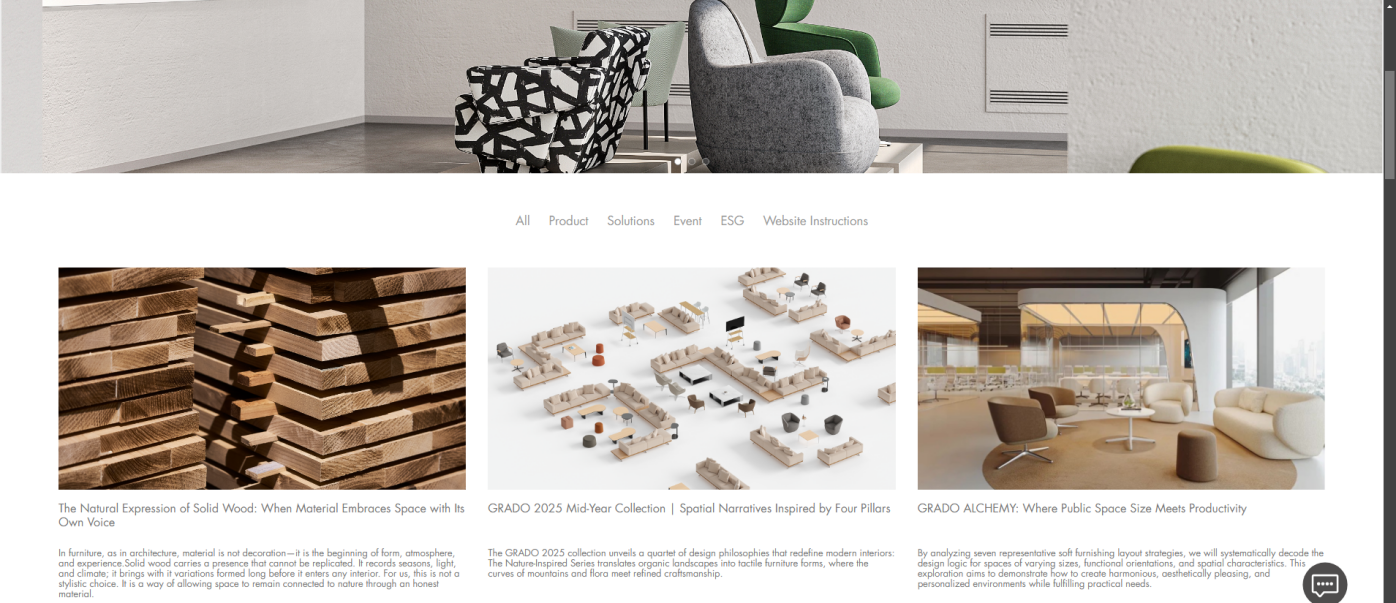
The News page focus on product launches, single-item highlights, brand updates, industry trends, and space solutions. Category tags at the top help users quickly filter content of interest.Registered users will automatically receive news updates via email, keeping them informed of the latest brand developments. Related product links are included at the bottom of each article for easy access to relevant product information.
VI. PROFESSIONALS (Download Center)
Registered users have access to a wide range of resources in this download center. The PROFESSIONALS page features a multi-dimensional categorization system, helping users quickly locate the files they need.
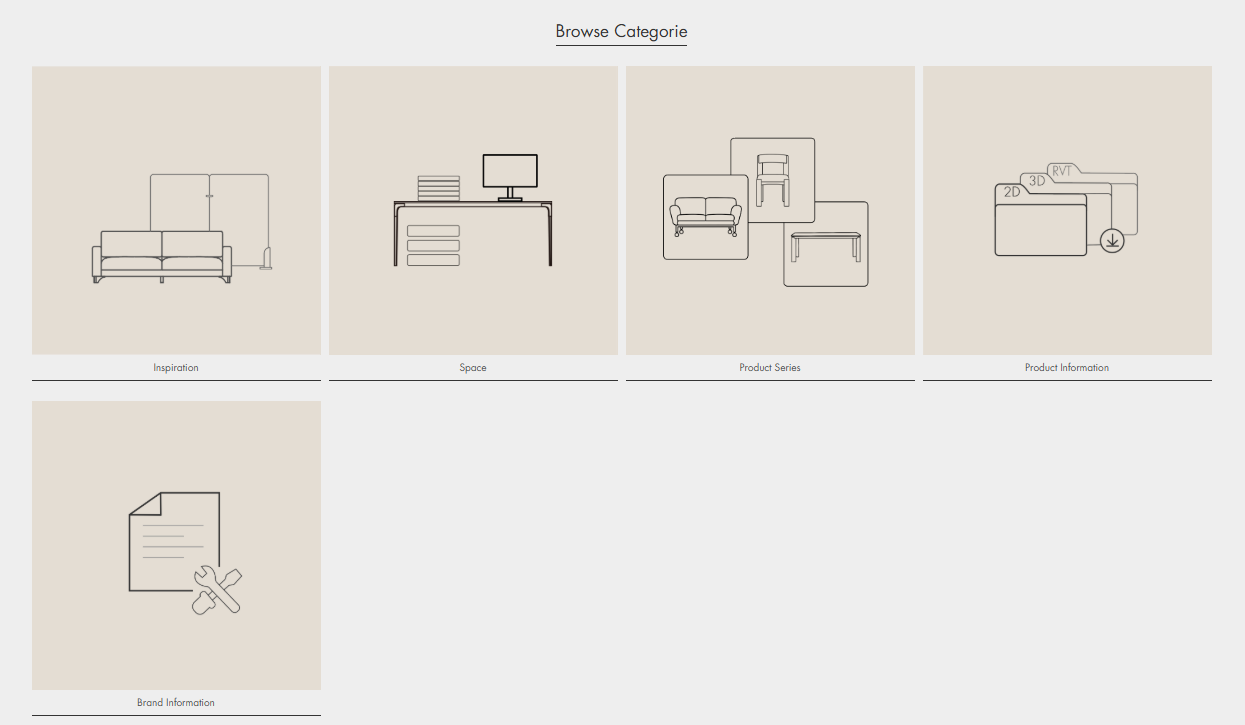
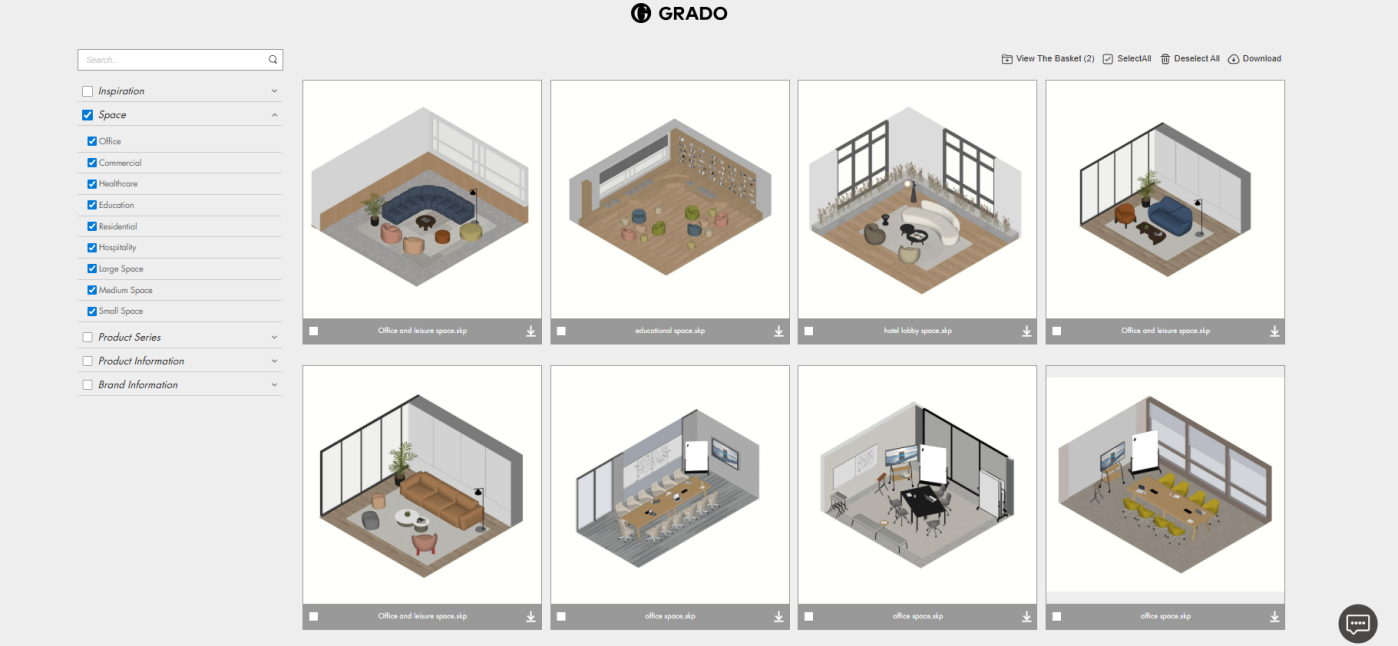
After entering the desired page, you can further filter using the secondary categories in the left sidebar, as shown below:
· Inspiration: Ideas for space furnishing and layout planning.
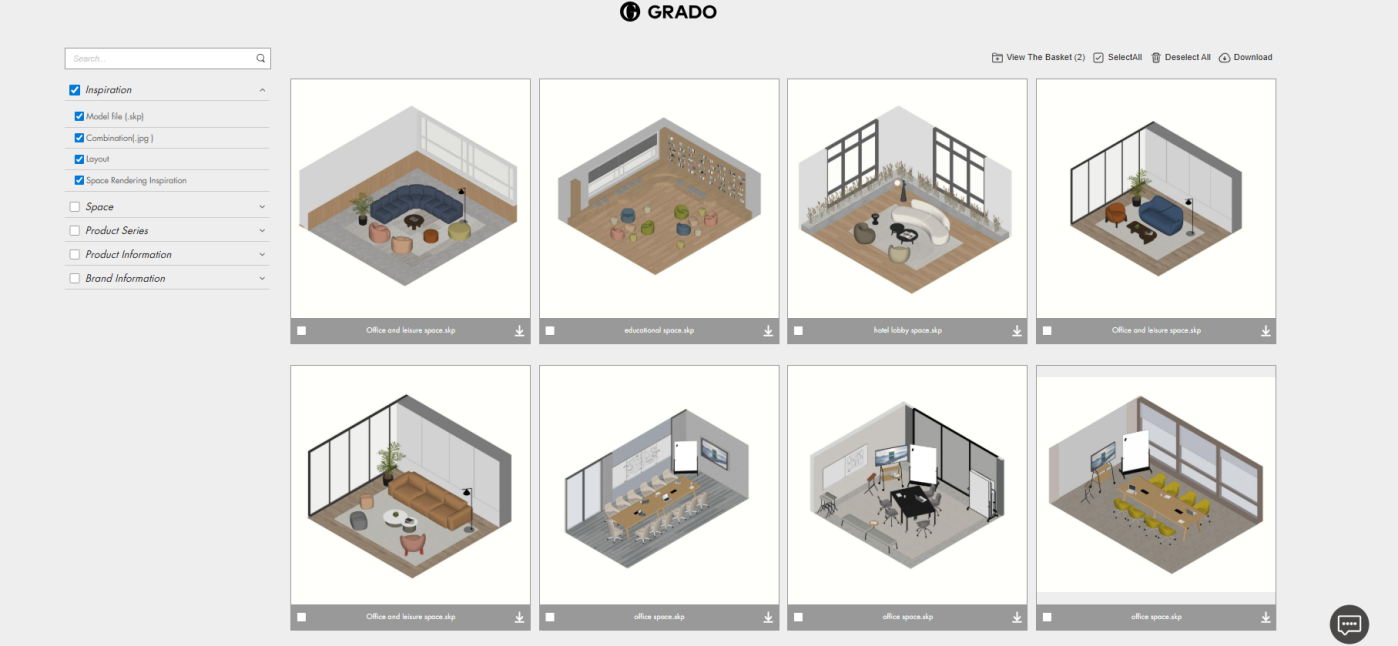
· Space: Furnishing combinations and rendering inspirations for the six spaces, available in large/medium/small scale.
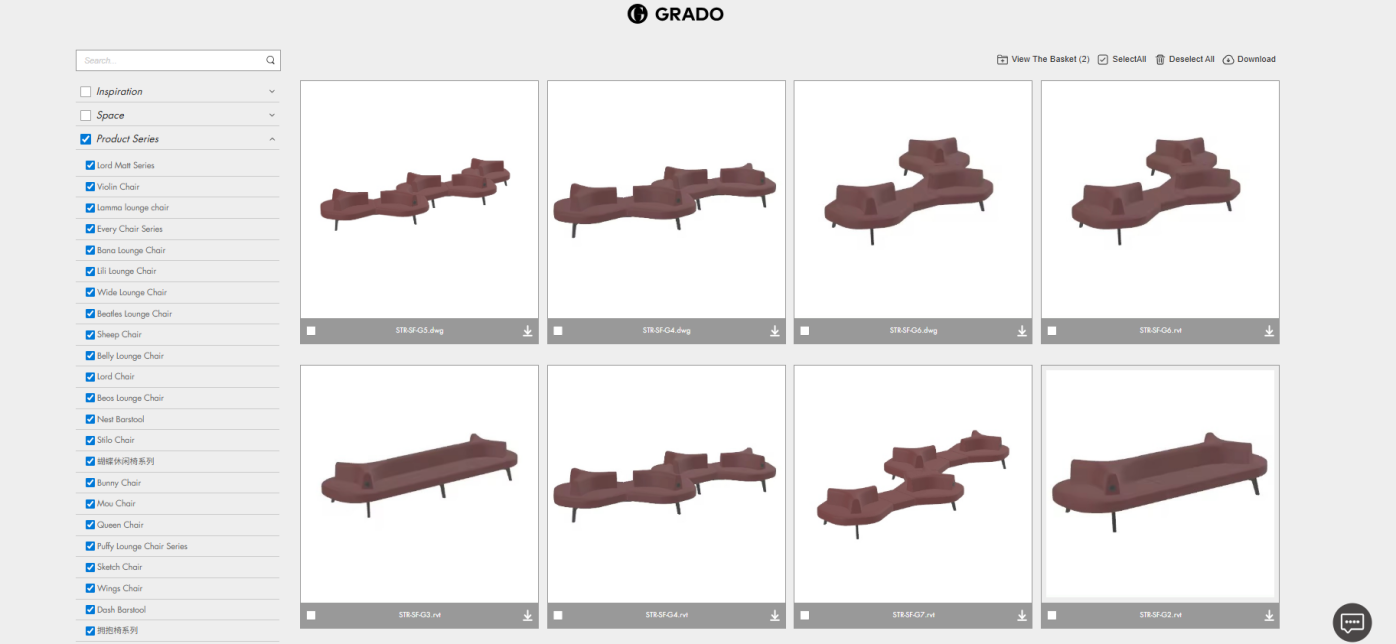
· Product Series: View space applications and combination layouts tailored to each product series.
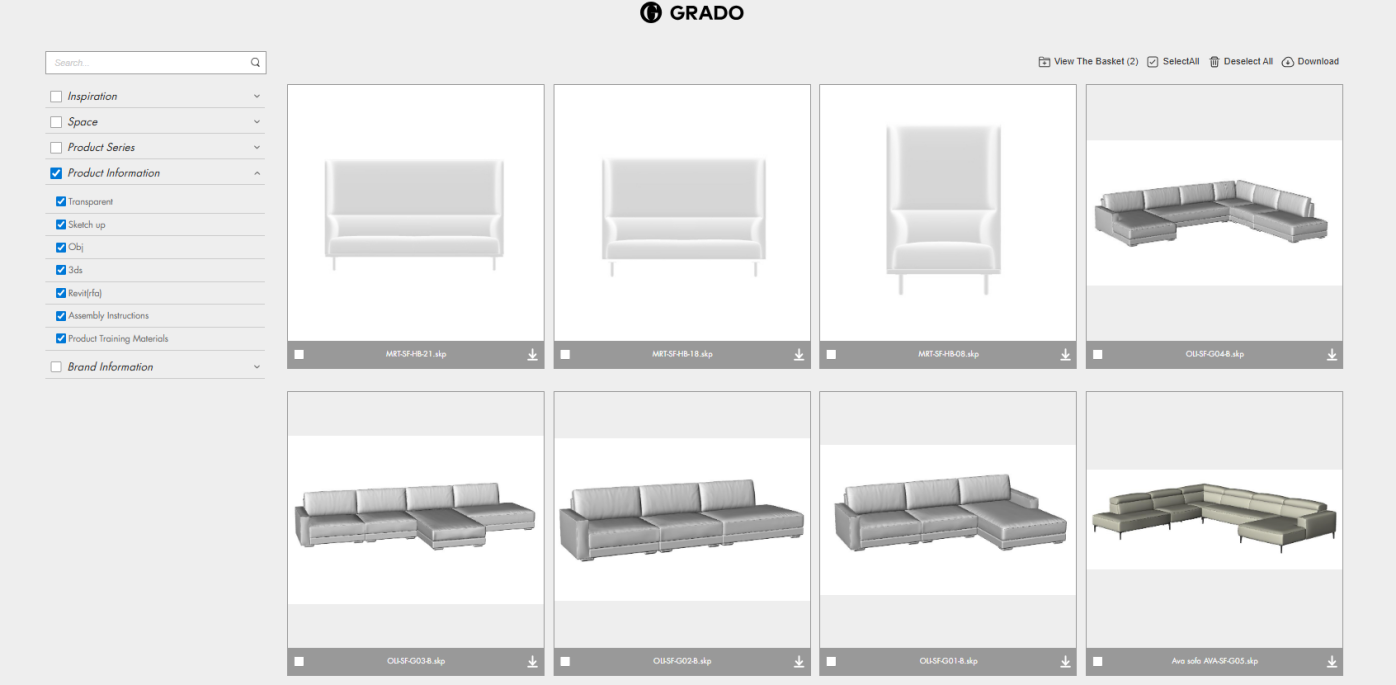
· Product Information: Provides product model files with searchable product codes, also available for download on product detail pages, enabling designers to streamline their rendering workflow.
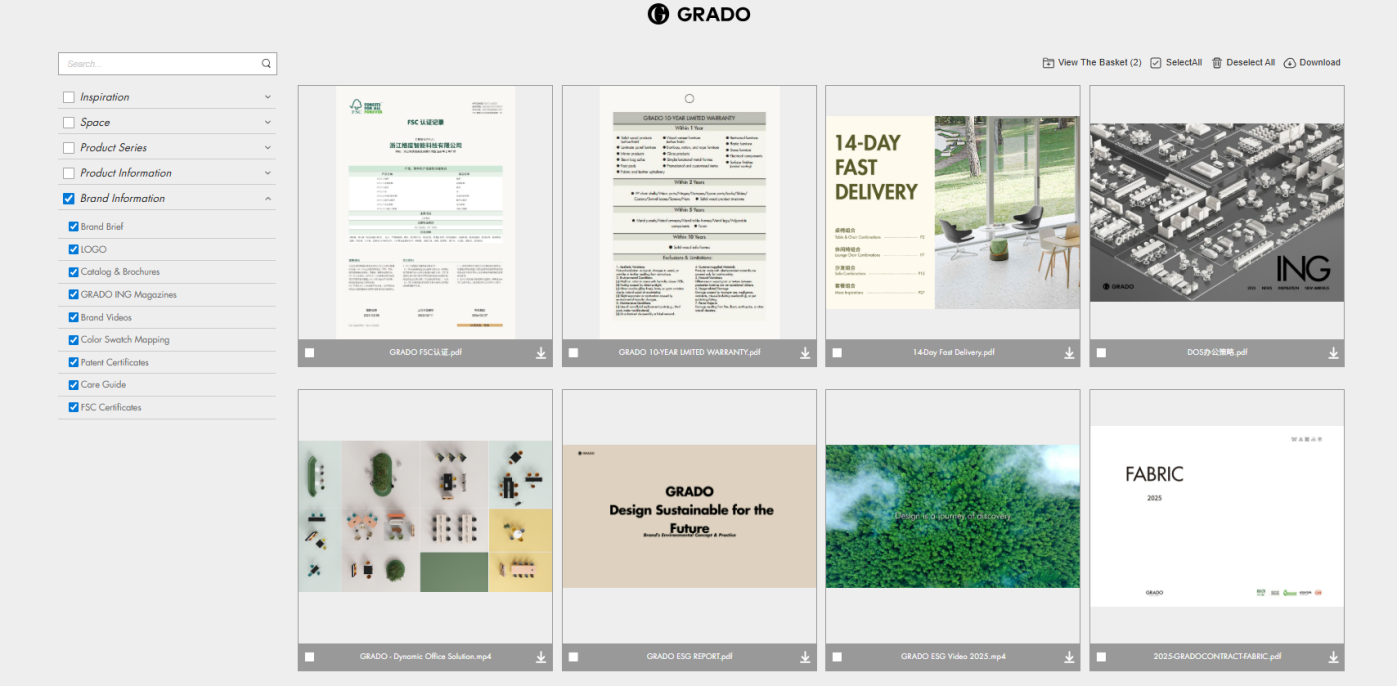
· Brand Information: Includes brand profiles, catalogs, fabric swatches, and product care guides.
VII. Business Cooperation & Contact
If you are looking for partnership opportunities or technical support:
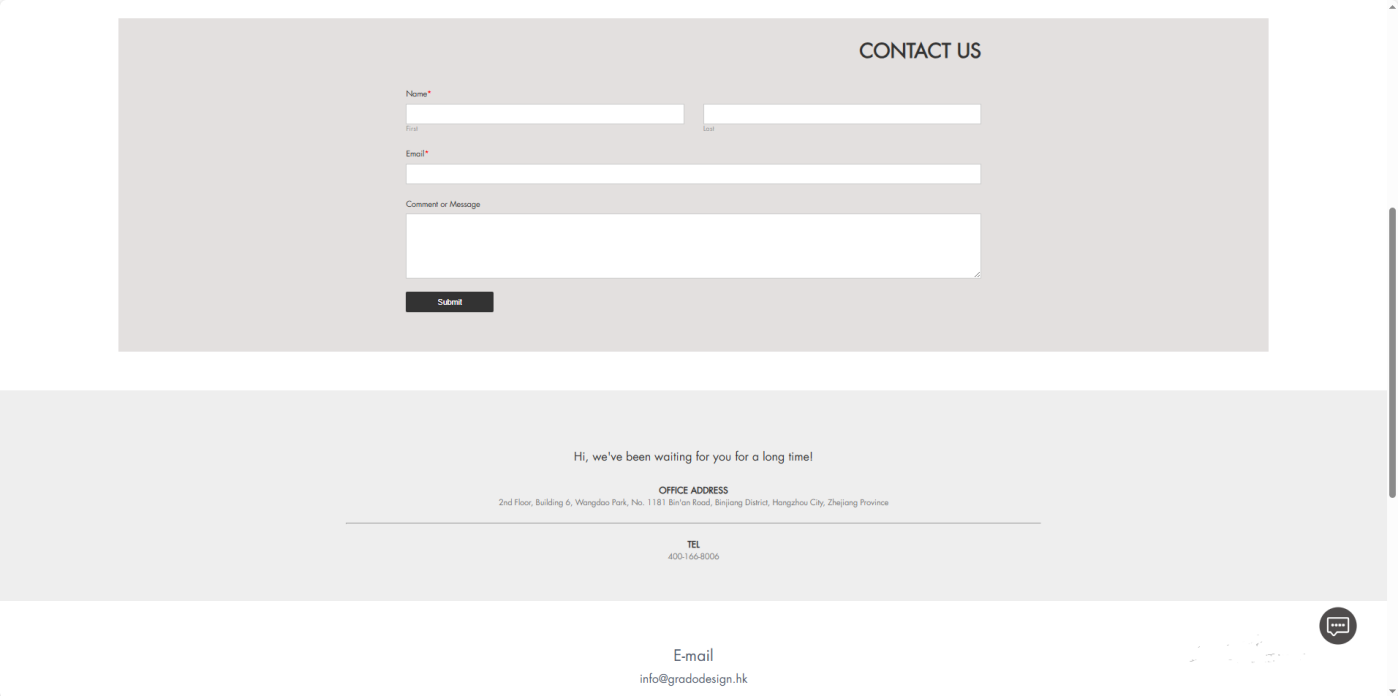
1. Navigate to "FIND US - Contact" at the bottom of the homepage
2. Fill in your contact details
3. Our team will review your message and respond promptly
You can also reach us directly via the phone number or email address listed at the bottom of the page. For special cooperation needs, our dedicated team will tailor solutions to meet your requirements.
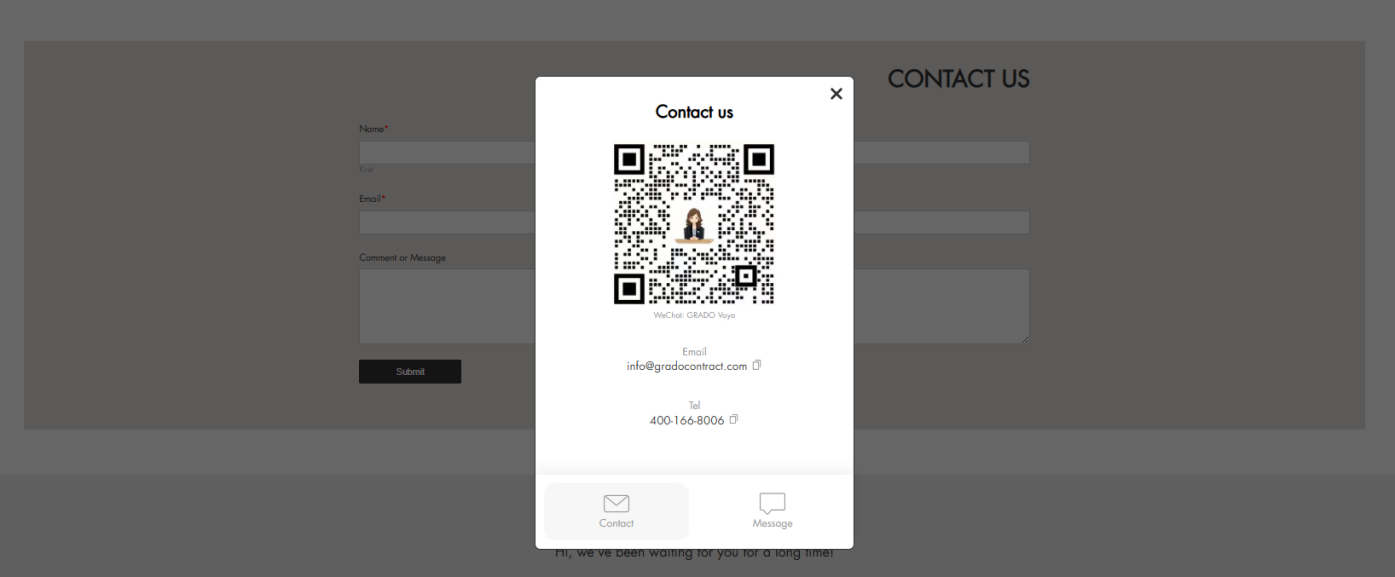
Alternatively, click the consultation pop-up in the lower right corner to add our sales representative on WeChat for direct inquiries.
VIII. FAQ Guide
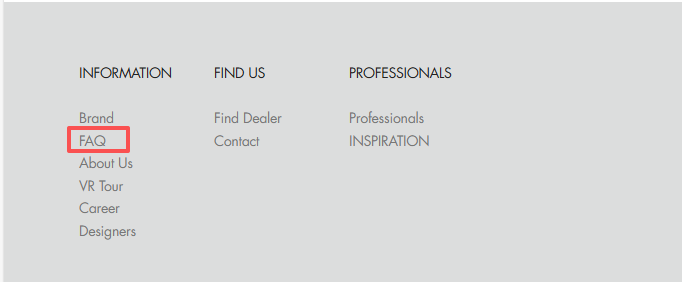
Click FAQ at the bottom of the homepage to find answers to common questions, including purchasing, customization, delivery, and installation.

IX. Conclusion
The G-GRADO official website serves as a vital bridge connecting users with the brand, integrating brand presentation, product information, and interactive features. By utilising the functions and techniques outlined in this guide, you can navigate the site more efficiently, explore products, and access professional support. Whether you are an individual user or a corporate client, G-GRADO is committed to delivering an intuitive and convenient online experience to help you find your ideal solution.
Should you encounter any usage queries or wish to share suggestions, we welcome your feedback via the website's dedicated channel. We remain committed to continuously enhancing the website experience and delivering superior service.
Designers Introduction